You do not need a blank sketchbook or an expensive app to make something. A browser and a few spare minutes are enough. The best creative websites give you an interesting constraint, then get out of the way before you can worry about whether the result is good.
These art websites range from simple drawing toys to useful design tools. Most produce something you can save, but they are just as enjoyable when the picture disappears after you close the tab.
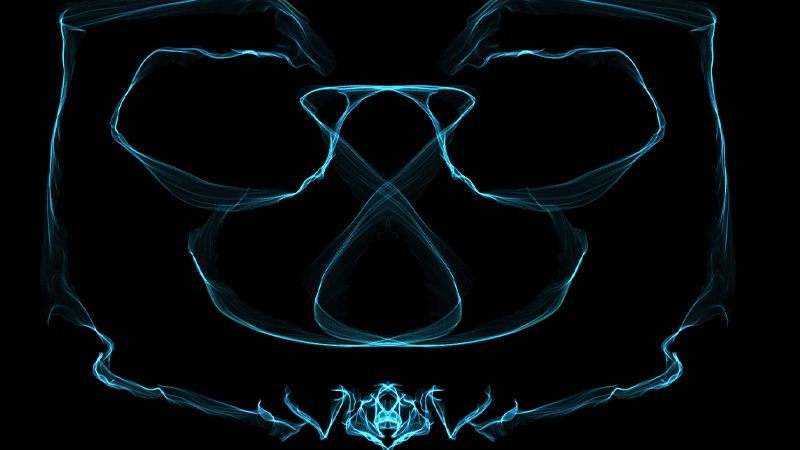
1. Silk Interactive Generative Art
Silk mirrors each stroke into flowing symmetrical lines. Change the colors and symmetry, then draw slowly across the dark canvas. Even clumsy movements turn into something polished.
It is one of the easiest generative art tools to enjoy because there is almost no wrong input.
2. This Is Sand
This Is Sand turns the screen into a vertical sandbox. Choose colors and pour fine streams of digital sand to build layers, slopes, and accidental landscapes.
The grains pile up naturally, so the image grows through patience rather than precise drawing.

3. Bomomo
Bomomo offers animated brushes that orbit, scatter, and bounce around the cursor. Each tool has its own behavior, and half the fun is testing it on an empty canvas to see what arrives.
It feels less like painting and more like directing a box of tiny machines.

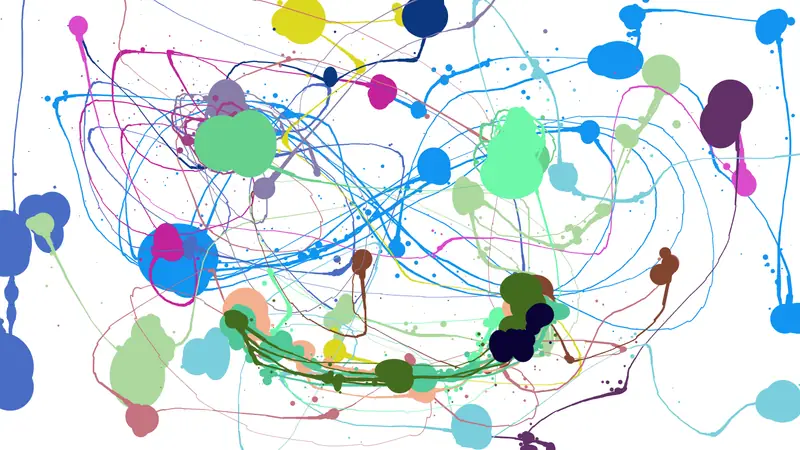
4. Jackson Pollock
Move the cursor to throw paint across the page. Click to change the color. The splatters build quickly, and restraint becomes difficult after the first few passes.
It is a single-joke art toy, but the joke produces surprisingly good desktop wallpaper.
5. Calligram Creator
Calligram Creator lets you paint with words. A sentence, poem, or repeated phrase becomes the brush, so the image and text occupy the same shape.
Try a short line first. Long text can become a texture, while a few words remain readable inside the drawing.

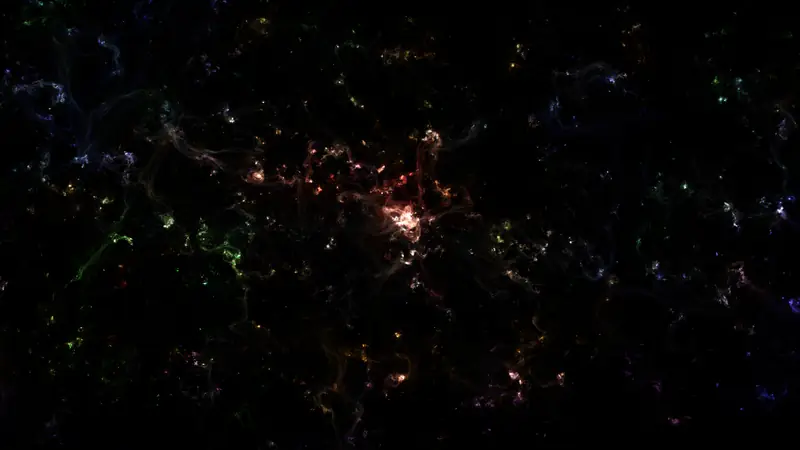
6. Neon Flames
Neon Flames paints soft, glowing wisps that resemble nebulae. The controls let you change the behavior, but a few slow strokes are enough to produce a convincing field of light.
It is good for making art and even better for idly moving color around while thinking.
7. Cloudgazing
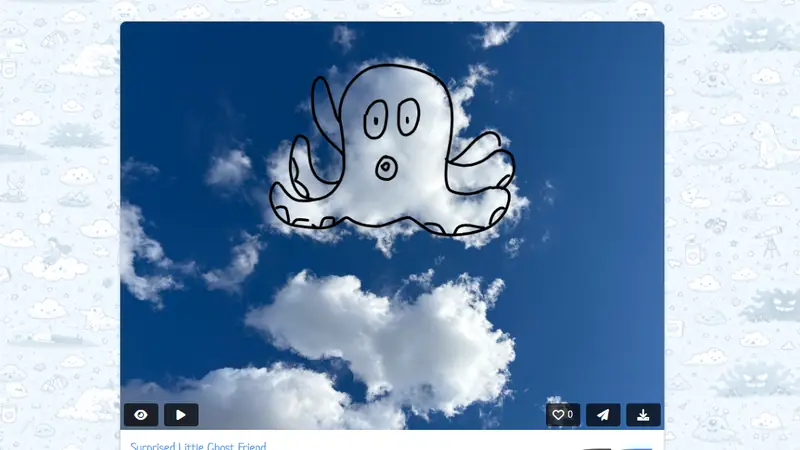
Cloudgazing gives you a photograph instead of a blank page. Find a shape in the clouds, draw its outline, and add it to a gallery of other interpretations.
The exercise is small, social, and pleasantly low stakes. Nobody expects a perfect cloud drawing.
8. ASCII Art Generator
Upload an image and the ASCII Art Generator rebuilds it from text characters. High contrast photos tend to work best, but strange source images can produce more interesting results.
Copy the output into a plain-text file and it becomes a tiny piece of computer-era printmaking.

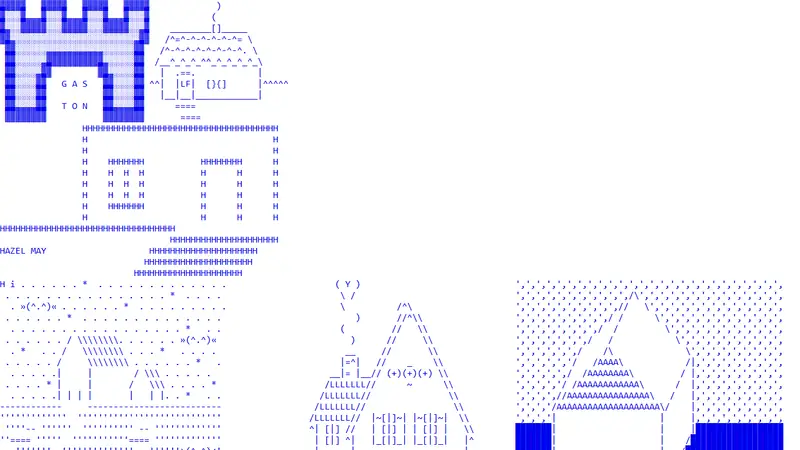
9. ASCII
This designforthe.net page is a gallery rather than a tool. Large blue pictures and block letters show how much character can come from a limited text grid.
Visit it before making your own ASCII piece. It is a useful reminder that the medium can be bold, not merely nostalgic.
10. 3dsvg
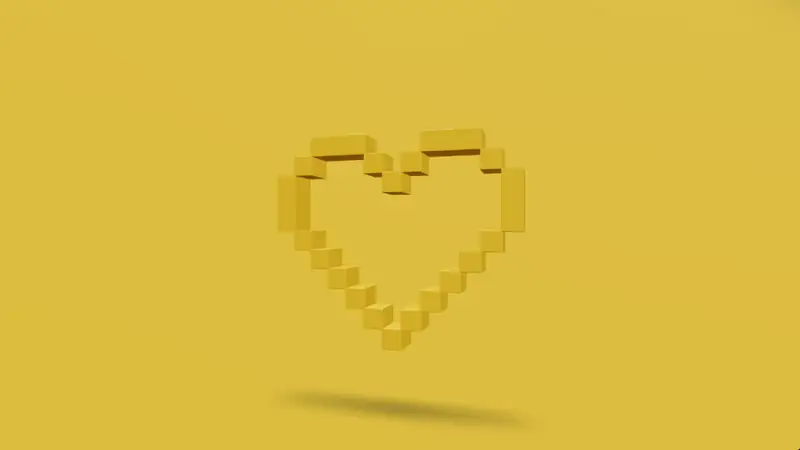
3dsvg turns a flat SVG file into a dimensional object. Adjust depth, material, light, camera, and motion, then export the result for a project.
This is the most practical tool on the list. It still encourages the same experimental habit: move a control and see what changes.
Make more things
Our interactive websites list has more visual toys. For diagramming, image editing, and practical work, open the free online tools list.