Some websites are better understood with your hands than with a description. You drag, click, draw, or poke the screen and the page answers back. There may be no score and no useful result to save. It is simply fun to see what the browser does next.
These interactive websites sit somewhere between games, art tools, and desk toys. Open one when you want five minutes of play without installing anything.
1. Cloudgazing
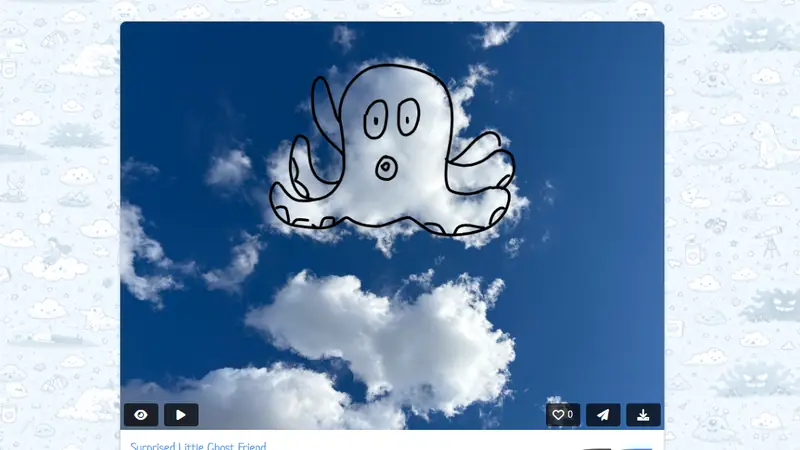
Cloudgazing starts with a familiar habit: finding shapes in clouds. People draw what they see over real cloud photos, then add their interpretation to a shared gallery.
The drawings are often simple, which is part of the appeal. One person sees a dog, another sees a ship, and suddenly a random patch of weather has a small public life.
2. Zoomquilt
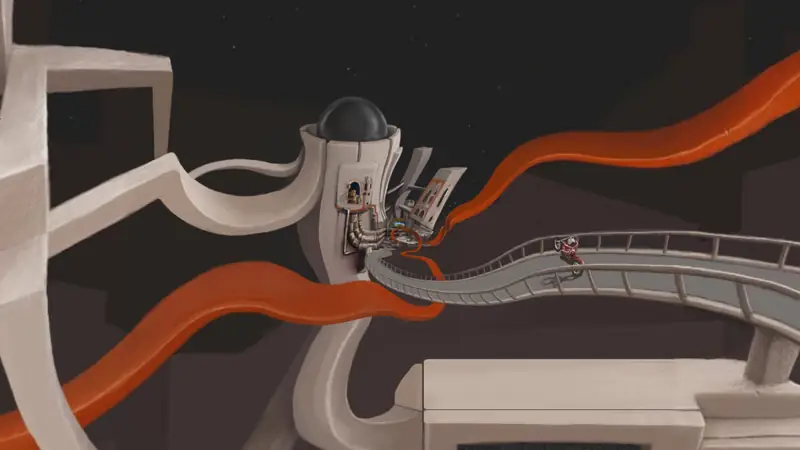
Zoomquilt is an illustrated world that never stops moving inward. Rooms open into landscapes, faces become doorways, and each painted scene hides the entrance to another.
You can watch passively, but it still feels interactive because your eye keeps choosing where to look before the image carries you away.
3. Neon Flames
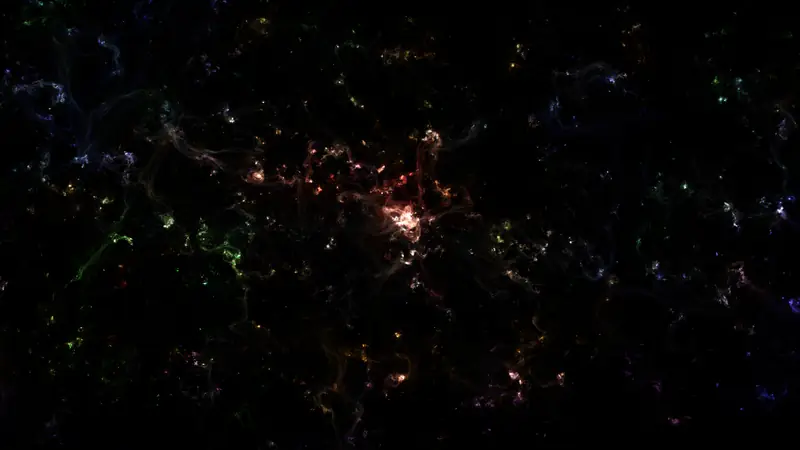
Neon Flames lets you paint glowing clouds of color with the mouse. Small changes in movement produce wisps, bursts, and soft nebula shapes that look much more deliberate than they really are.
It is forgiving in the best way. You can make something lovely before you understand the controls.
4. Lucidia
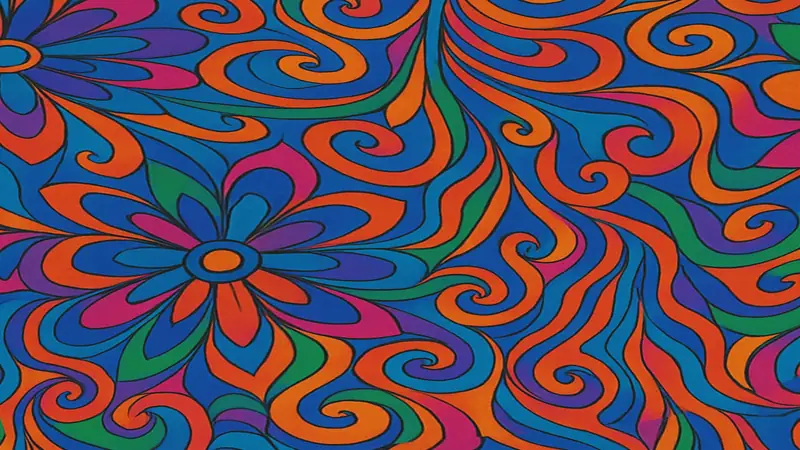
Lucidia is a full-screen WebGL visualizer with flowing preset patterns. It has the mood of an old music visualizer, but the image is sharper and the controls let you move between several distinct looks.
Use fullscreen mode, put on your own music, and leave it running for a while.
5. Nest
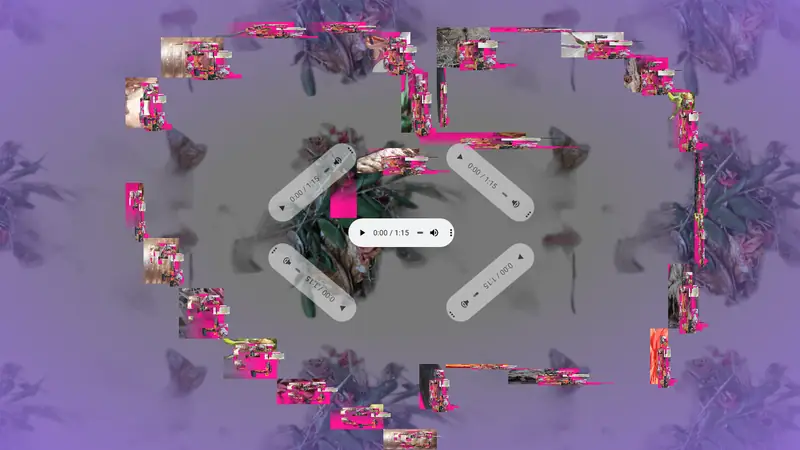
Nest combines sound and drawing. Audio players become part of the composition, while dragging across the background adds new visual marks. The result is less like using a music app and more like rearranging a small audiovisual room.
There is no correct composition. The pleasure is in finding combinations that hold your attention.
6. Tearable UI
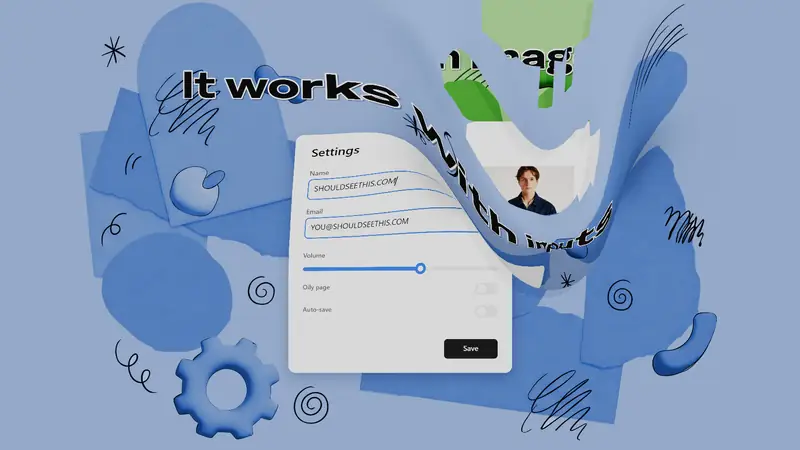
Most interfaces try to feel solid. Tearable UI behaves like a sheet of soft material. Pull it, stretch it, and watch the page buckle around the cursor.
It turns a familiar screen into something physical enough to be mildly rude to.
7. Double Pressure
Click Double Pressure and its clean geometric composition rearranges itself. The same colors and lines keep returning in new relationships, so each click feels like shuffling a very small deck of abstract art.
It is restrained, quick, and difficult to stop clicking.

8. Bomomo
Bomomo gives you a row of animated drawing brushes that wobble, orbit, scatter, and behave in ways a normal paint program would reject. Pick one and drag it across the blank canvas.
The brushes do most of the work. Your job is to discover what kind of mess each one makes.

9. Gravity Points
Click to add gravity wells, then watch particles swing around them. Add several points and a neat physics toy becomes a busy field of curved trails and near collisions.
It feels scientific for roughly ten seconds. After that, you will probably use it to make particle chaos.

10. h1ghf1ve
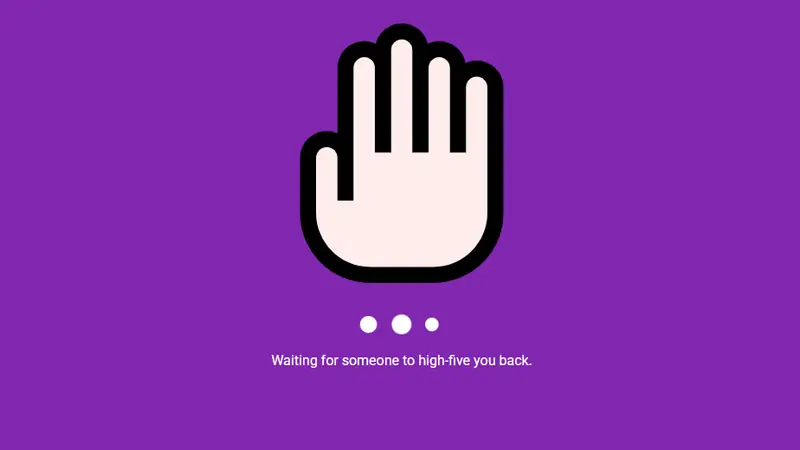
h1ghf1ve turns one tap into a tiny connection. Press the hand and the site tries to match your high five with another visitor somewhere else online.
It is barely a game, but the possibility of another real person tapping back gives the page more life than many larger social platforms.
More things to poke
Browse the full fun websites collection for browser games and creative experiments. The browser games list has more choices with goals, scores, and ways to lose.